
Microsoft
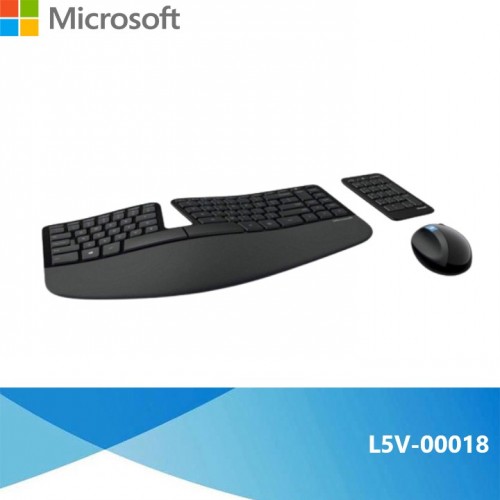
Microsoft L5V-00018 Sculpt Ergonomic Desktop Keyboard, Mouse and Numeric Pad Set
Part No: L5V-00018
AED 362
Market rate · indicative (UAE)
Specifications
- Manufacturer
- Microsoft
- Model
- Microsoft L5V-00018
- Manufacturer Part No
- L5V-00018
Recommended products
Similar or newer options from the same brand
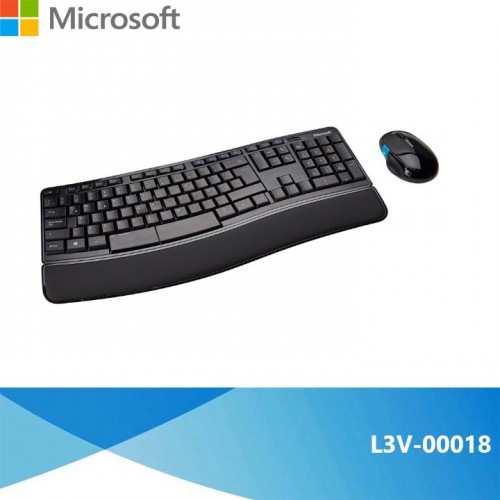
Microsoft L3V-00018 Sculpt Comfort Desktop Black
Price NA
Market rate · indicative
Microsoft L3V-00018 Sculpt Comfort Desktop Black
Price NA
Market rate · indicative
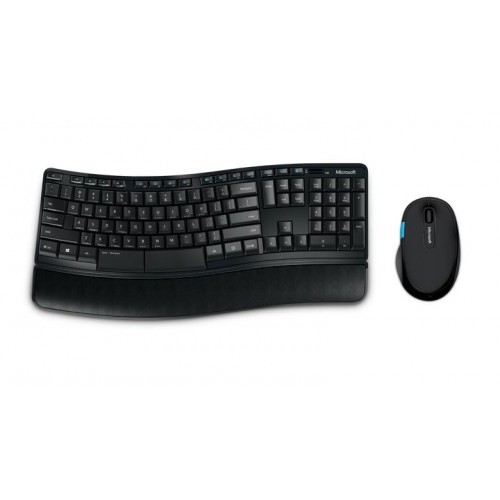
Microsoft Sculpt Comfort Desktop Wireless Keyboard & Mouse Combo
Price NA
Market rate · indicative

Microsoft Sculpt Ergonomic Mouse
AED 237
Indicative list price — request a quote for Disti pricing.
Alternate / cross-brand similar products
AI-matched alternatives based on specifications

RAPOO
Rapoo V185S Wired Keyboard & Mouse Set US - Black - 13019
Price NA
Market rate · indicative

UGreen
UGreen MK330 Wired Membrane keyboard & Mouse Combo - 55915
AED 4,830
Market rate · indicative
PROMATE
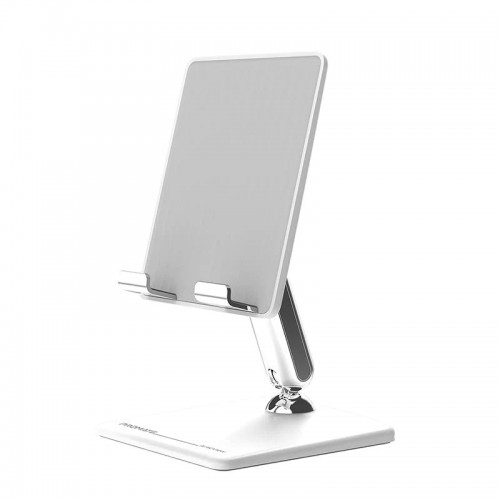
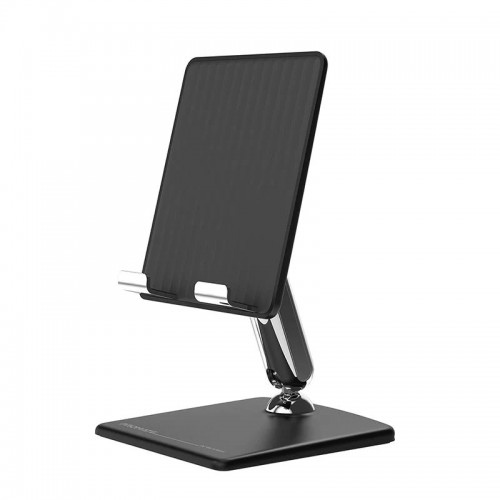
Promate ArticView Adjustable Multi-Angle Desk Stand, white
Price NA
Market rate · indicative
PROMATE
Promate ArticView Adjustable Multi-Angle Desk Stand
Price NA
Market rate · indicative

UGreen
UGreen MK331 Wireless Keyboard/Mouse Combo - 65781
AED 18
Market rate · indicative
HP
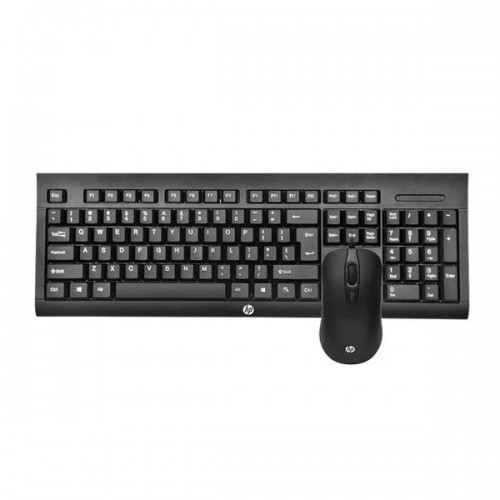
HP KM100 Gaming Wired Keyboard and Mouse, 104 Keys, 8x RED Replaceable Keys - 1QW64AA#UUF-ENG
Price NA
Market rate · indicative
Lenovo
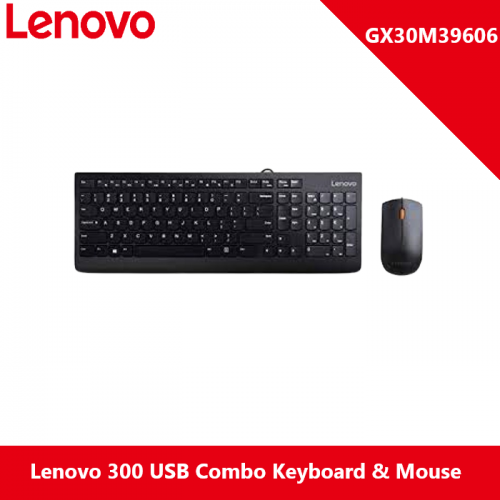
Lenovo 300 USB Combo Keyboard & Mouse - GX30M39606
Price NA
Market rate · indicative
RAPOO
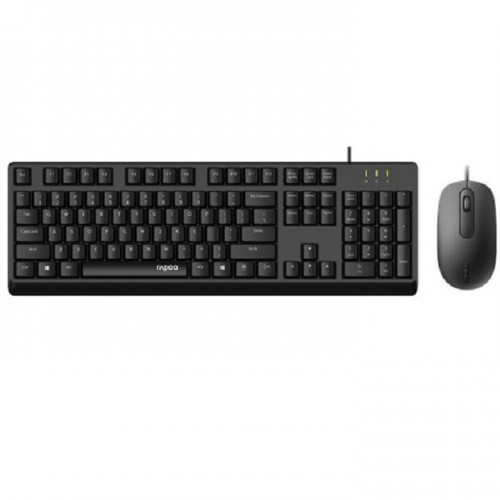
RAPOO X130 PRO Wired Optical Mouse/Keyboard Combo - 12344
Price NA
Market rate · indicative
Product description & technical overview
Microsoft Microsoft L5V-00018
Description
#1: Advanced Ergonomic Design
The Sculpt Ergonomic Desktop has a modern design and an amazingly comfortable feel. It’s built on advanced ergonomic principles, incorporating a split keyboard layout to help position the wrists and forearms in a natural, relaxed position, a cushioned palm rest to provide wrist support, and a domed keyboard shape to reduce wrist pronation.
#2: Engineered for Comfort
The mouse is also designed to maximise wrist comfort with its unique ergonomic shape. And it also includes features like the Windows button which gives you convenient, one-touch to access to the Windows Start screen, so you’ll be able to stay comfortable and productive all day long.
#3: Position for Convenience
A separate number pad provides greater flexibility for workspace setup. Keep it close at hand for frequent use, or tuck it away when you don’t need it.
#4: Cushioned Palm Rest
Cushioned palm rest provides support and promotes a neutral wrist position. Raise or lower the palm rest with a removable attachment on the underside of the keyboard.
#5: Domed Keyboard Design
The domed keyboard raises the key layout in the centre to promote a more natural, relaxed wrist position.
#6: Split, Natural Arc, Keyset Design
The 12- degree, split keyset design helps to further promote the wrists, forearms and upper body into a more natural relaxed position. The natural arc layout of the keys also aligns with the curved shape of fingertips.
#7: A Mouse Packed with Features
A thumb scoop to help maintain ergonomic hand and wrist position, a Windows button for quick access to the Windows start screen and 4 programmable buttons. This mouse will reduce strain and get the job done.
#8: BlueTrack Technology
Navigate your computer by using a BlueTrack Technology mouse on a picnic table, your living room floor, the armrest of a lobby chair, or even your leg. With BlueTrack Technology, you can use the mouse on almost any type of surface
#9: Wireless USB
Just one wireless USB dongle (located underside of the mouse) for the mouse keyboard and number pad. Just plug in and go, no wires, no fuss.