

j5create
J5create JUD380 USB 3.0 Mini Dock
Part No: JUD380
AED 840
Indicative list price — request a quote for Disti pricing.
Specifications
- Manufacturer
- j5create
- Model
- J5create JUD380
- Manufacturer Part No
- JUD380
- Compatible Country
- Middle East, Africa, Iran, Dubai
- Country of Origin
- China
- EAN Code
- 4712795081343
- Product HS Code
- 8471800000
Recommended products
Similar or newer options from the same brand

J5create JCD393 4K60 Elite USB-C 10Gbps Mini Dock
AED 840
Indicative list price — request a quote for Disti pricing.

J5create JCD396 USB-C Dual HDMI 4K60 Mini Dock
AED 840
Indicative list price — request a quote for Disti pricing.
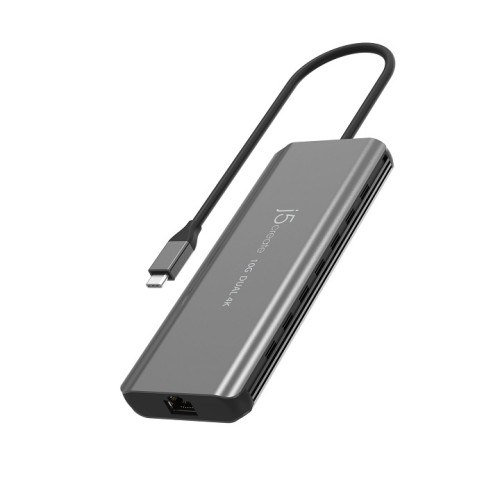
J5create JCD398 USB-C Dual 4K HDMI 10Gbps Mini Dock
Price NA
Market rate · indicative

J5create JCD381 USB Type-C Dual HDMI Mini Dock-Ethernet/ USB 3.1 HUB / PD2.0
AED 840
Indicative list price — request a quote for Disti pricing.
Alternate / cross-brand similar products
AI-matched alternatives based on specifications
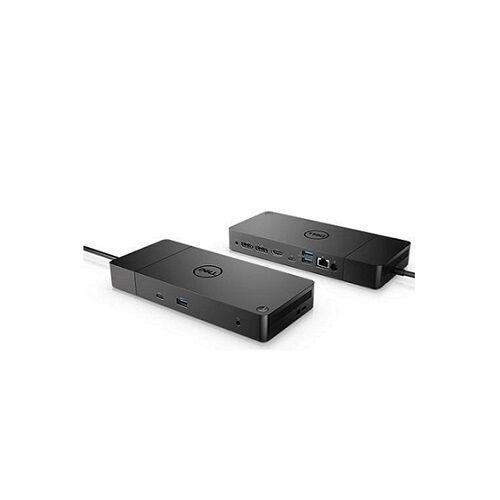
Dell
Dell Dock WD19 180W – DS-210-ARJF
Price NA
Market rate · indicative

UGreen
UGreen CR113 USB 3.0 Hub with USB-C Port - 40850
AED 8
Market rate · indicative
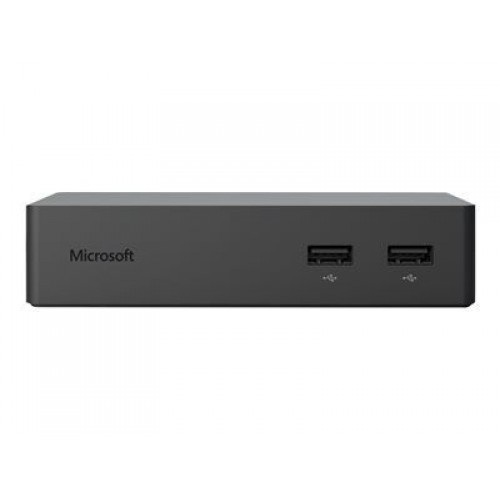
Microsoft
Microsoft Surface Dock
Price NA
Market rate · indicative

UGreen
UGreen US161 1.5 Meter USB 3.1 Type C Male to Type C Male Cable Nickel Plating Aluminum Shell - 50751
Price NA
Market rate · indicative
Dell
Dell Dock WD19 130W – DS-210-ARJG
Price NA
Market rate · indicative
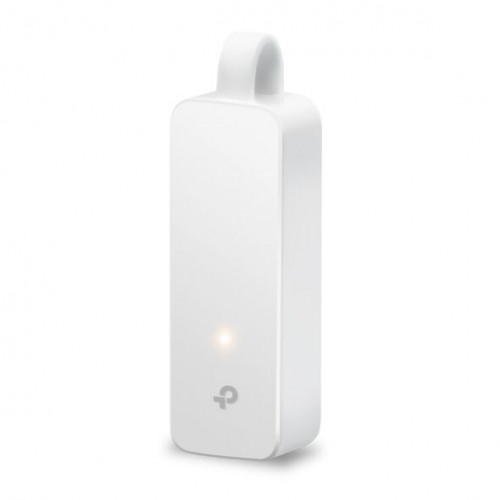
Tp-Link
TP-LINK UE300C USB Type-C to RJ45 Gigabit Ethernet Network Adapter
AED 47
Market rate · indicative
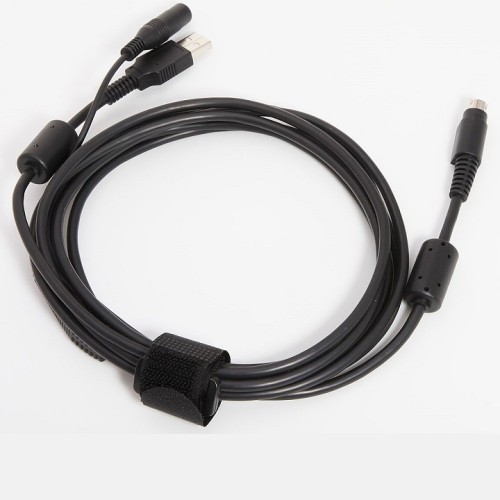
Logitech
Logitech PTZ Pro 993-001131 USB-A Cable
Price NA
Market rate · indicative
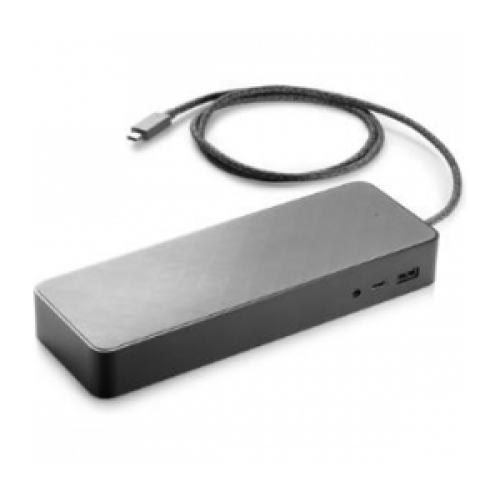
HP
HP USB-C Universal Dock – 1MK33AA
Price NA
Market rate · indicative
Product description & technical overview
j5create J5create JUD380
| JUD380 USB 3.0 Mini Dock Specifications | |
|---|---|
| Hardware | |
| Host Connector | 1 x USB Type-A 3.0 Male |
| Audio Supported | Yes |
| Network Interface | RJ45 (Gigabit Ethernet) |
| Power Source | Bus-powered and Self-powered |
| Ports | |
| USB™ Type-A | 2 x USB 3.1 Gen 1 Type-A |
| Video Outputs | 1 x HDMI Female 1 x VGA Female |
| Ethernet | 1 x RJ45 Gigabit Ethernet |
| Power Input | 1 x USB Micro-B |
| Performance | |
| Maximum Display Resolution | 1920 x 1080 |
| Maximum Refresh Rate | 60 Hz |
| Maximum Data Transfer Rate | 5 Gbps |
| Displays Supported | Up to 2 Displays |
| Compatible Networks | 10/100/1000 Mbps |
| Audio Channel | 2.1 via HDMI |
| Power | |
| Power Delivery | No |
| Power Consumption | > 450 mA |
| Physical Specifications | |
| Color | Silver |
| Enclosure Type | Aluminum |
| Cable Length | 7.87 in. (200 mm) |
| Dimensions (W x D x H) | 4.71 x 1.69 x 0.56 in (119.6 x 42.8 x 14.15 mm) |
| Operating Temperature | 30 to 116F (-1 to 47C) |
| Storage Temperature | 0 to 155F (-17 to 68C) |
| Operating Humidity | < 85% Non-Condensing |
| Storage Humidity | < 85% Non-Condensing |
| Special Notes | |
| • Windows video playback: – Windows 8.1/8/7: Windows Media Player recommended – Windows 10: Movies & TV recommended • Gigabit Ethernet requires driver installation on macOS • Micro USB power input is optional but recommended when using high-powered USB devices • macOS 10.13.6 supports only one additional display and requires AirPlay support • Rotation mode supported on Windows only • Install the latest drivers from j5create.com |
|
| Package Contents | |
| • JUD380 USB 3.0 Mini Dock • Quick Installation Guide |
|
| Driver Requirements | |
| • Driver installation required for macOS and Windows • Windows can auto-install drivers if network access and admin rights are available |
|